Sublimation Paper Is Not One-Size-Fits-All
In sublimation printing, paper selection plays a major role in final output quality.
Many printers look only at price while buying sublimation paper. But the GSM of sublimation paper can influence transfer quality, drying behavior, ink absorption, paper handling, and production speed.
Understanding sublimation paper GSM helps printers select the right paper for their job requirement.
The right choice depends on the printer, ink load, design coverage, fabric type, transfer process, and production speed.
What Does GSM Mean in Sublimation Paper?
GSM stands for grams per square meter. It indicates the weight of the paper.
In sublimation paper, GSM affects how the paper handles ink, moves through the printer, dries, and transfers color to fabric.
Lower GSM papers are generally lighter and may support faster production in suitable conditions. Higher GSM papers may offer better handling and stability for certain applications.
However, there is no single GSM that works for every job.
Printers should choose sublimation paper based on actual production requirements rather than using the same paper for all jobs.
Why GSM Affects Transfer Printing
During sublimation transfer, the paper carries printed ink and releases it onto the fabric under heat and pressure.
If the paper does not hold and release ink properly, final output may suffer.
Wrong paper selection can create:
dull transfer,
ink bleeding,
slow drying,
paper curling,
uneven color release,
and production delays.
The GSM, coating quality, and transfer efficiency all work together.
This is why sublimation paper should be treated as a performance material, not just a consumable.
How to Choose the Right GSM
Printers should consider multiple factors before choosing sublimation paper GSM.
They should evaluate:
ink load,
design coverage,
printing speed,
fabric application,
machine type,
drying requirement,
and transfer process.
For lighter designs and faster workflows, a lower GSM paper may be suitable if the production environment supports it. For heavier ink coverage or applications requiring better paper stability, a higher GSM may be preferred.
Testing is always important before bulk production.
Storage Also Affects Paper Performance
Even good sublimation paper can perform poorly if not stored properly.
Moisture, heat, dust, and improper handling can affect paper behavior.
Printers should store sublimation paper in controlled conditions and avoid exposing rolls to humidity for long periods.
Proper storage helps maintain paper flatness, transfer consistency, and printing reliability.
Conclusion
Sublimation paper GSM directly affects printing performance, transfer quality, drying, and production efficiency. Choosing the right GSM helps printers reduce defects and improve output consistency.
For reliable sublimation printing, printers must consider the complete system — machine, ink, paper, fabric, heat transfer process, and production environment.
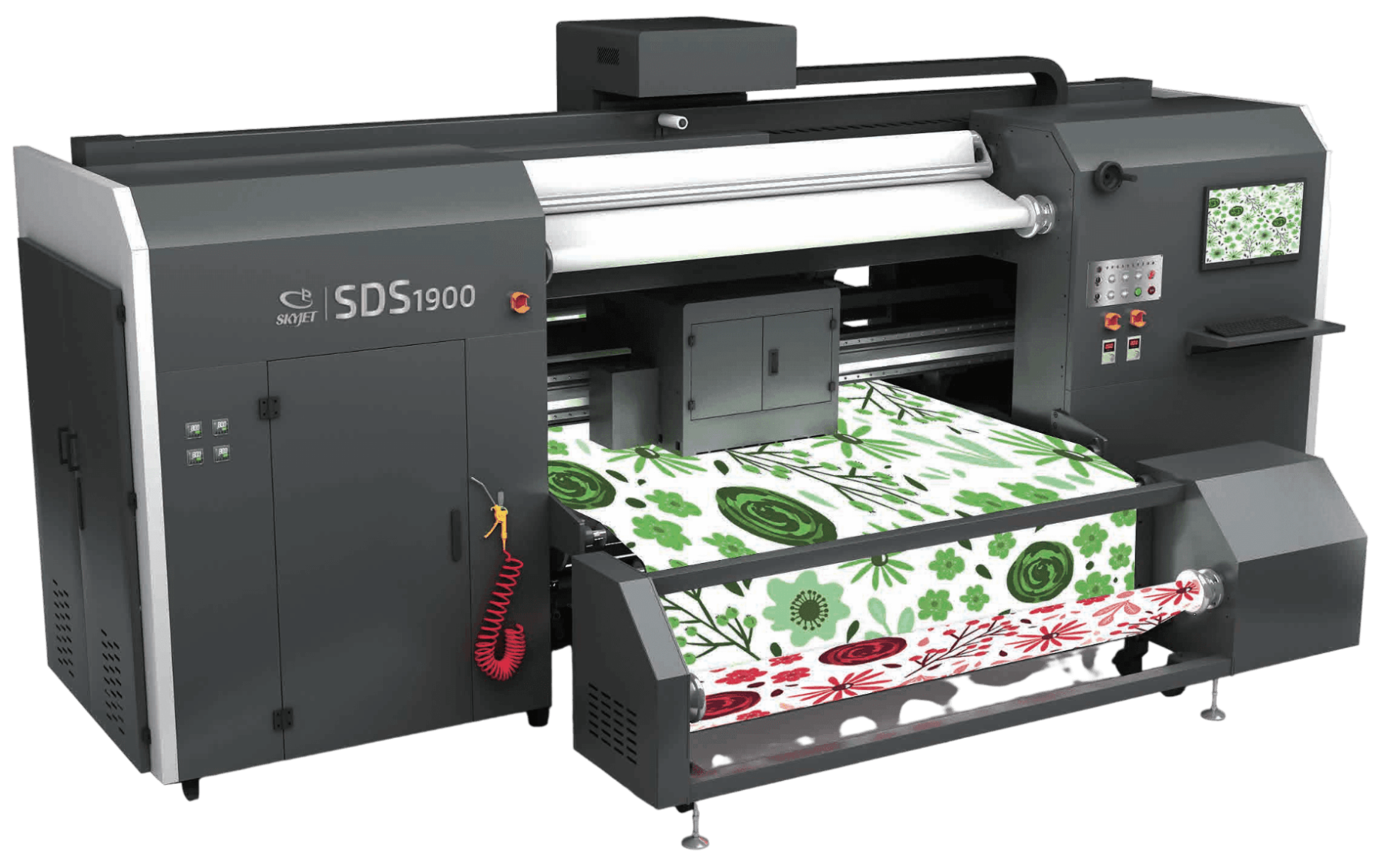
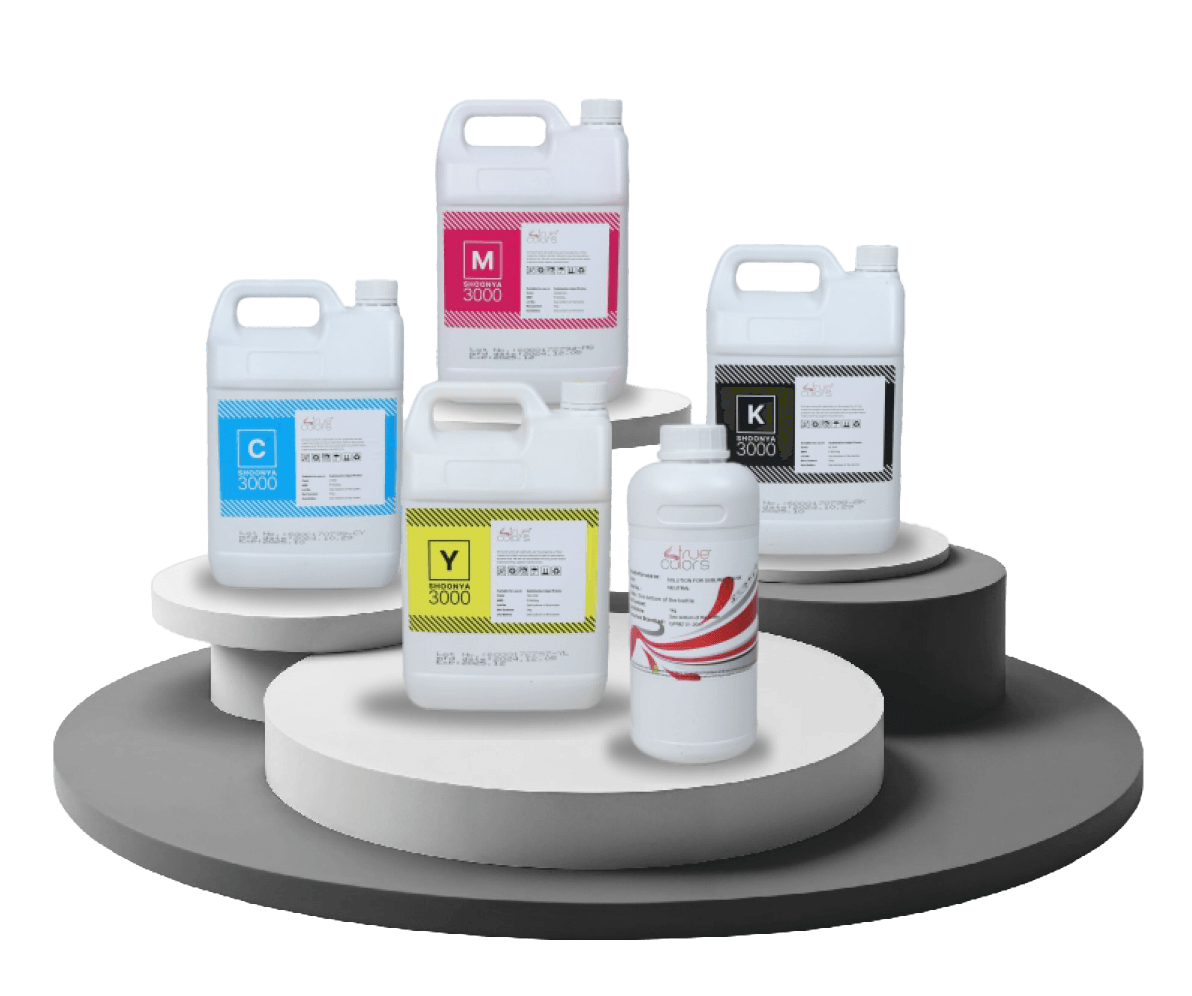
True Colors supports this requirement through True Colors Sublimation Paper, designed to support different sublimation printing needs. Along with digital textile printing machines, Inkia by True Colors inks, fabrics, and technical support, True Colors provides a complete ecosystem for printers looking for stable and scalable production.
With TRUE TEAM’s support, printers also get guidance to improve production practices and maintain better output consistency.