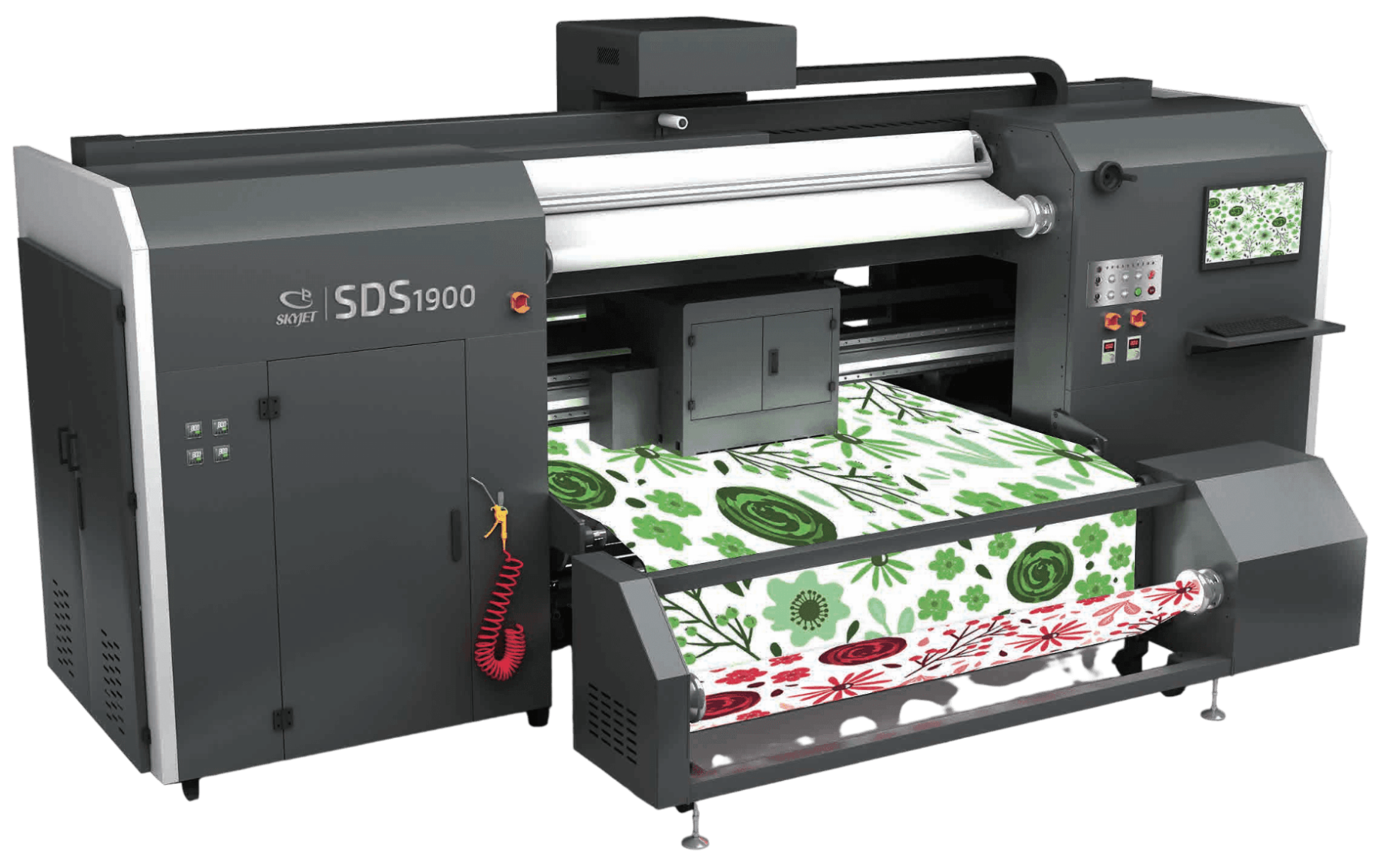
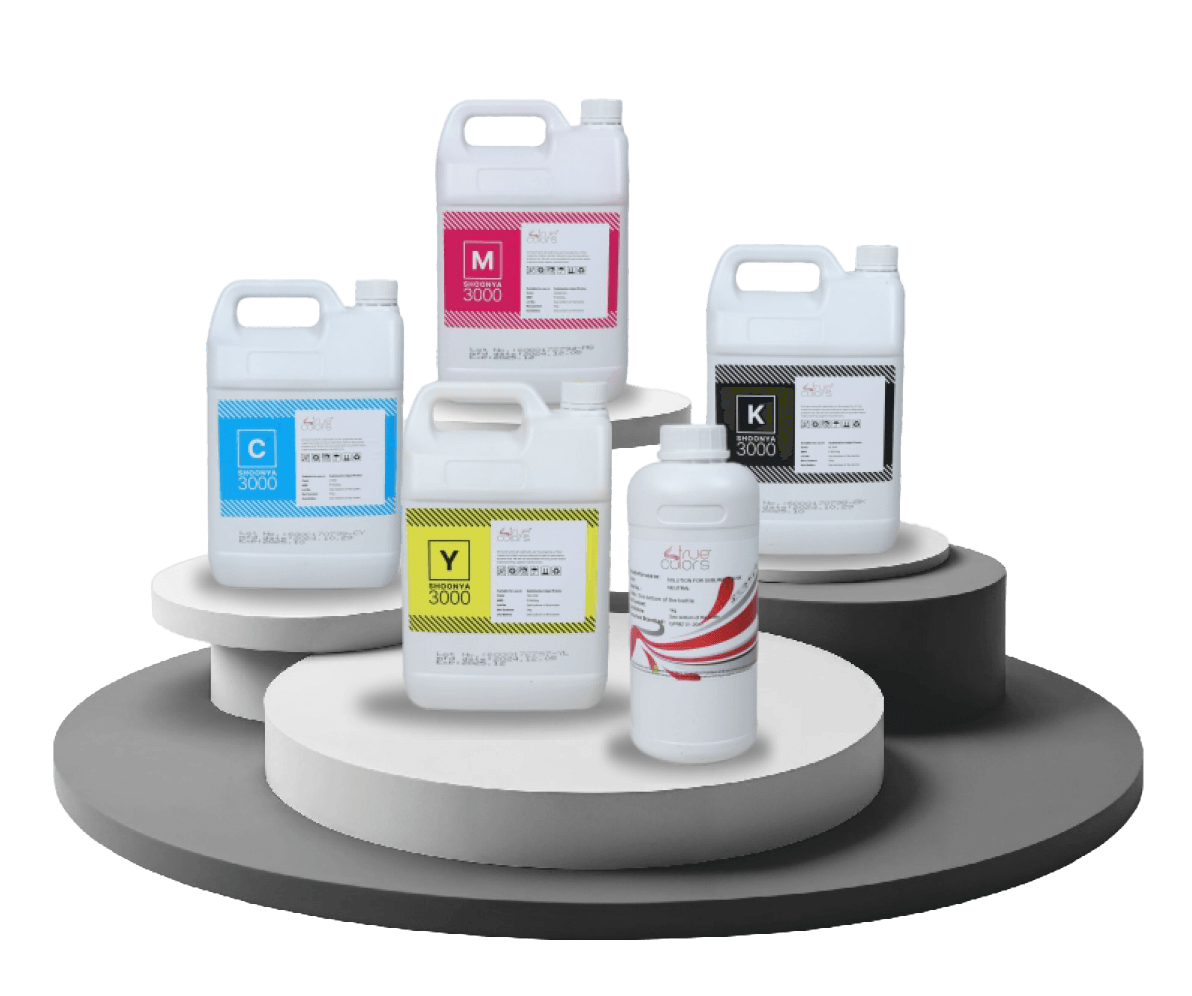
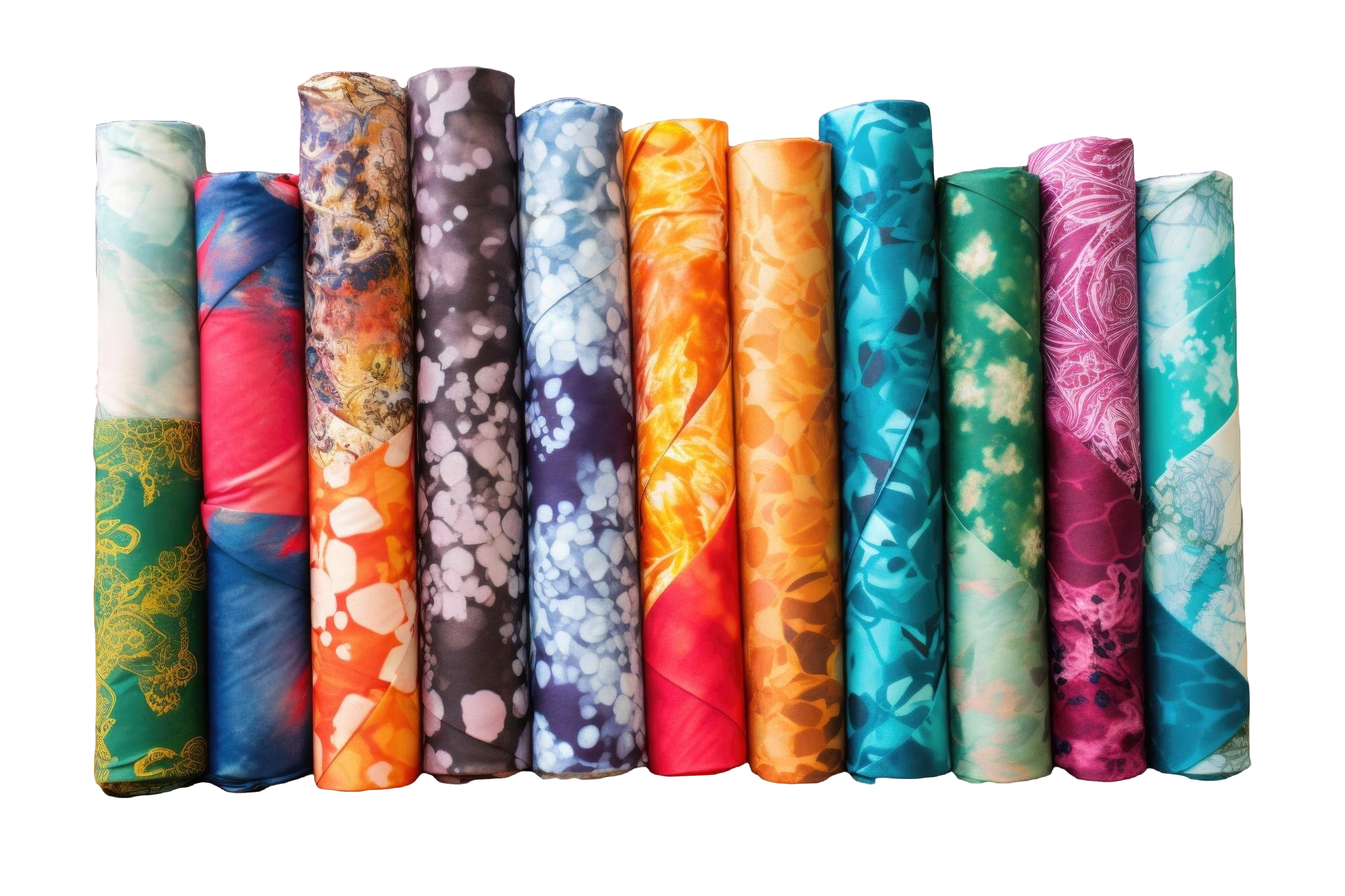
Digital Printing for Activewear Fabrics: What Manufacturers Should Consider
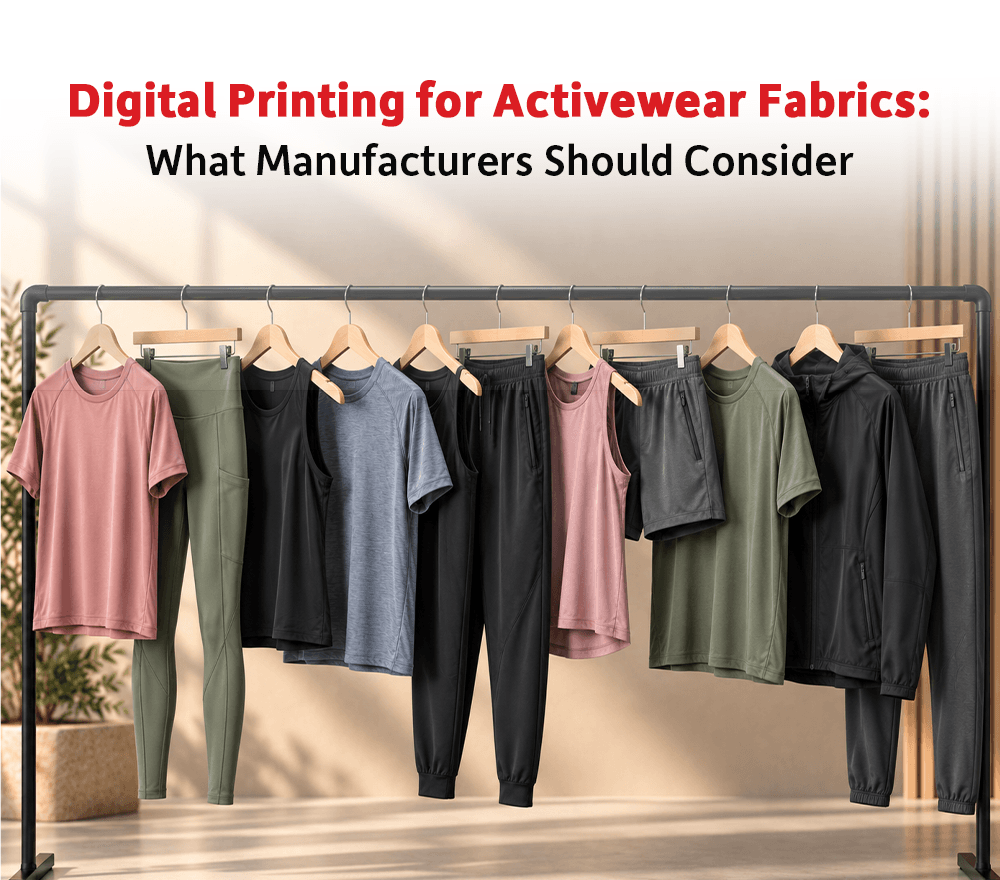
Activewear Needs Performance and Design Together Activewear has become one of the fastest-moving categories in textile and apparel. Customers want clothing that looks stylish but also performs well during movement, fitness, sports, travel, and daily wear. This makes digital printing for activewear fabrics an important opportunity for textile manufacturers. Activewear fabrics often require stretch, comfort, durability, color appeal, and repeated wash performance. The print should not only look attractive; it should also support the purpose of the garment. For manufacturers, activewear printing requires a balance between design flexibility and fabric performance. Polyester-Based Fabrics Are Common in Activewear Many activewear products use polyester or polyester-blend fabrics because of their lightweight feel, moisture handling, durability, and performance properties. For polyester-based activewear, sublimation printing is widely used because it can create vibrant prints while becoming part of the fabric surface during transfer. This makes sublimation suitable for leggings, jerseys, sports t-shirts, cycling wear, gym wear, and athleisure products. However, the final output depends on fabric quality, stretch behavior, ink performance, sublimation paper, and heat transfer control. Stretch Behavior Must Be Considered Activewear fabrics move with the body. This means the print must be suitable for stretch and repeated use. If the printing method or fabric selection is not correct, the final garment may show distortion, cracking, shade change, or uneven appearance when stretched. Manufacturers should test print behavior on the actual activewear fabric before bulk production. Testing helps check color output, stretch appearance, hand feel, wash result, and overall product performance. Design Flexibility Helps Brands Stand Out Activewear brands often use bold patterns, gradients, custom graphics, team prints, and limited edition designs. Digital printing supports this requirement by allowing detailed artwork and faster design changes. This is useful for sports teams, fitness brands, running clubs, yoga wear companies, and fashion-led athleisure labels. With digital printing, manufacturers can support both bulk activewear production and custom team or event-based designs. Consistency Is Important in Repeat Orders Activewear brands often reorder successful designs. When repeat orders come in, the new production should match the approved design and color as closely as possible. This requires stable ink, correct paper, controlled transfer settings, and reliable fabric quality. Manufacturers should maintain standard production records so that repeated activewear designs can be reproduced with better accuracy. Conclusion Digital printing for activewear fabrics helps manufacturers serve sportswear, athleisure, teamwear, and performance clothing markets with more design flexibility. However, activewear printing requires careful attention to fabric stretch, ink behavior, transfer quality, and repeat consistency. True Colors can support activewear manufacturers through a combination of digital textile printing machines, True Colors Sublimation Paper, Inkia by True Colors inks, fabrics, and technical support. This combination is especially useful for polyester-based activewear where transfer quality and color consistency matter. For businesses entering or expanding in activewear printing, True Colors helps connect performance fabric requirements with practical digital printing solutions.
Why Operator Training Is Important for Digital Textile Printing Success
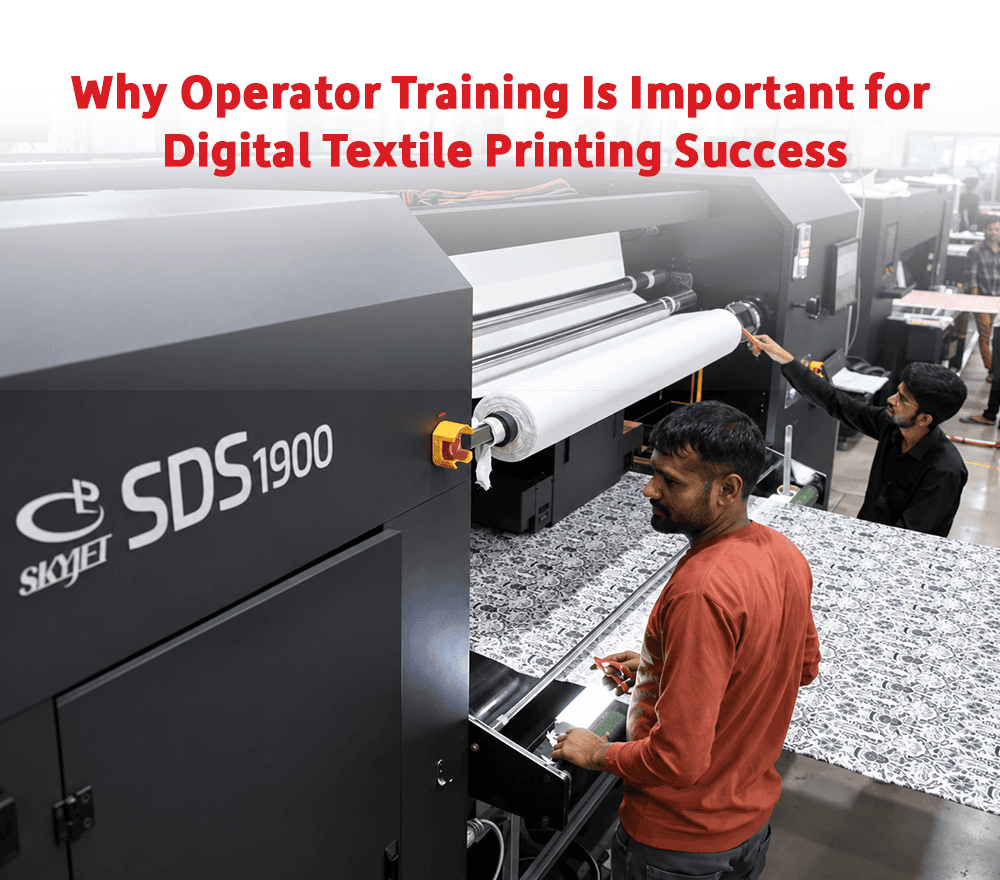
Good Machines Need Skilled Operators Digital textile printing machines are advanced production systems, but their performance depends heavily on the people who operate them. A good machine can still produce poor results if the operator does not understand file handling, machine settings, fabric loading, ink behavior, cleaning routines, and basic troubleshooting. Digital textile printing operator training is therefore essential for print quality, machine uptime, and production efficiency. In many factories, avoidable mistakes happen not because the machine is weak but because operators have not been trained properly for digital production. Operators Influence Print Quality Every Day Operators make several decisions during daily production. They load fabric, check nozzles, monitor print movement, adjust settings, observe ink flow, and respond to defects. If the operator does not understand the printing process, small issues can go unnoticed until they affect a larger quantity of fabric. A trained operator can identify early signs of problems such as missing lines, shade variation, fabric movement issues, paper handling problems, or unusual machine behavior. This helps reduce wastage and improves first-time-right production. Training Helps Reduce Downtime Downtime is one of the biggest challenges in textile printing. Some downtime is caused by technical faults, but a significant part can also come from incorrect handling or delayed response. Trained operators understand daily maintenance routines, cleaning discipline, shutdown procedures, and basic troubleshooting. They are more likely to prevent small issues from becoming major breakdowns. For manufacturers, this means better machine availability and more stable production planning. Digital Printing Requires Process Understanding Digital printing is not only mechanical operation. It also involves understanding design files, color expectations, fabric behavior, ink compatibility, and finishing impact. Operators should know how their actions affect final fabric quality. For example, improper fabric loading can affect alignment. Wrong file handling can affect print scale. Poor cleaning habits can affect nozzle performance. Incorrect settings can affect color or sharpness. When operators understand the complete process, they become more responsible and effective on the production floor. Training Supports Business Growth As production grows, businesses may add more machines, shifts, operators, and order categories. Without proper training, quality can become inconsistent between teams. Standardized operator training helps maintain discipline across shifts and supports business expansion. A trained production team gives management more confidence to handle larger orders and tighter timelines. For digital textile printing businesses, operator skill is not a secondary factor. It is part of production strength. Conclusion Digital textile printing operator training is important for machine handling, quality control, maintenance, downtime reduction, and long-term production efficiency. A skilled operator can protect machine performance and improve daily output reliability. True Colors adds value through TRUE TEAM by supporting businesses beyond machine installation. Operator guidance, service support, maintenance understanding, and production assistance help manufacturers use their machines more effectively. For businesses investing in digital textile printing, True Colors helps ensure that technology is supported by trained people, making production more dependable and scalable.
What Textile Manufacturers Should Know Before Expanding Into Digital Printing
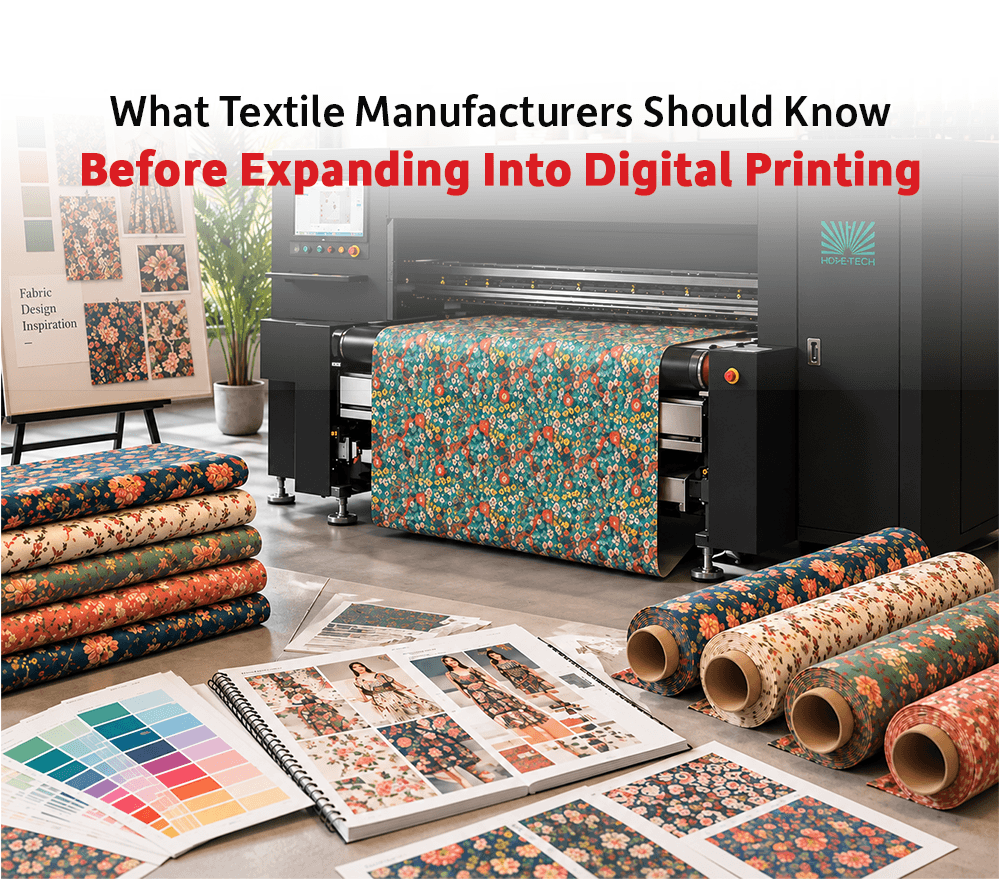
Digital Printing Expansion Needs Careful Planning Many textile manufacturers are exploring digital printing because it offers speed, design flexibility, shorter runs, and better response to changing market demand. For businesses already working in fabric trading, processing, garmenting, or traditional printing, expanding into digital textile printing can open new opportunities. However, this expansion should not be rushed. Digital printing is not only about installing a new machine. It requires planning across workflow, fabric selection, ink compatibility, operator training, color management, finishing, and service support. Manufacturers who prepare properly are more likely to build a stable and profitable digital printing operation. Understanding the Business Purpose Is Important Before investing in digital textile printing, manufacturers should define the purpose of expansion. Some businesses may want to serve fashion brands with faster sampling. Others may want to handle short-run orders, home textile collections, export fabrics, sportswear, or customized printing. The right machine and production setup depend on the intended market. A business focused on sampling may not need the same setup as a business planning high-volume fabric production. Similarly, a unit printing polyester may need a different route compared to one focusing on cotton. Clear business direction helps avoid incorrect investment decisions. Workflow Readiness Matters Digital printing requires a different workflow from many traditional printing processes. Design file preparation, color profiling, fabric handling, machine operation, sample approval, and post-processing must be coordinated properly. If the workflow is not ready, production may face delays even after the machine is installed. Manufacturers should prepare their team, space, materials, and process before starting commercial production. A good setup reduces trial-and-error and improves confidence in early orders. Consumables Should Be Planned from the Start Ink, sublimation paper, fabric, pre-treatment materials, and finishing inputs should be selected carefully. Many businesses underestimate how much consumables affect output quality and production cost. Poor compatibility can lead to rejection, downtime, color variation, and customer dissatisfaction. When expanding into digital printing, manufacturers should test and standardize material combinations before taking larger orders. This helps create predictable output and improves long-term production control. Service Support Should Be Considered Before Purchase New digital printing businesses often need guidance during installation, operator training, maintenance, and early production. Reliable service support can reduce the learning curve and help the business respond faster to technical issues. Manufacturers should evaluate the service strength of the technology partner before making an investment. A machine may be purchased once, but service support influences its performance throughout its working life. Conclusion Expanding into digital textile printing can help manufacturers enter faster, more flexible, and more design-driven markets. However, success depends on planning the machine, workflow, consumables, fabric route, team training, and service support together. True Colors can support manufacturers at this stage by helping them look at digital printing as a complete business expansion rather than only a machine purchase. With digital textile printing machines, Inkia by True Colors inks, True Colors Sublimation Paper, fabrics, and TRUE TEAM support, True Colors provides guidance across key parts of the setup. For textile manufacturers entering digital printing, True Colors can help build a stronger foundation from the first step of expansion.
How Reliable Sublimation Paper Improves Production Speed and Transfer Quality
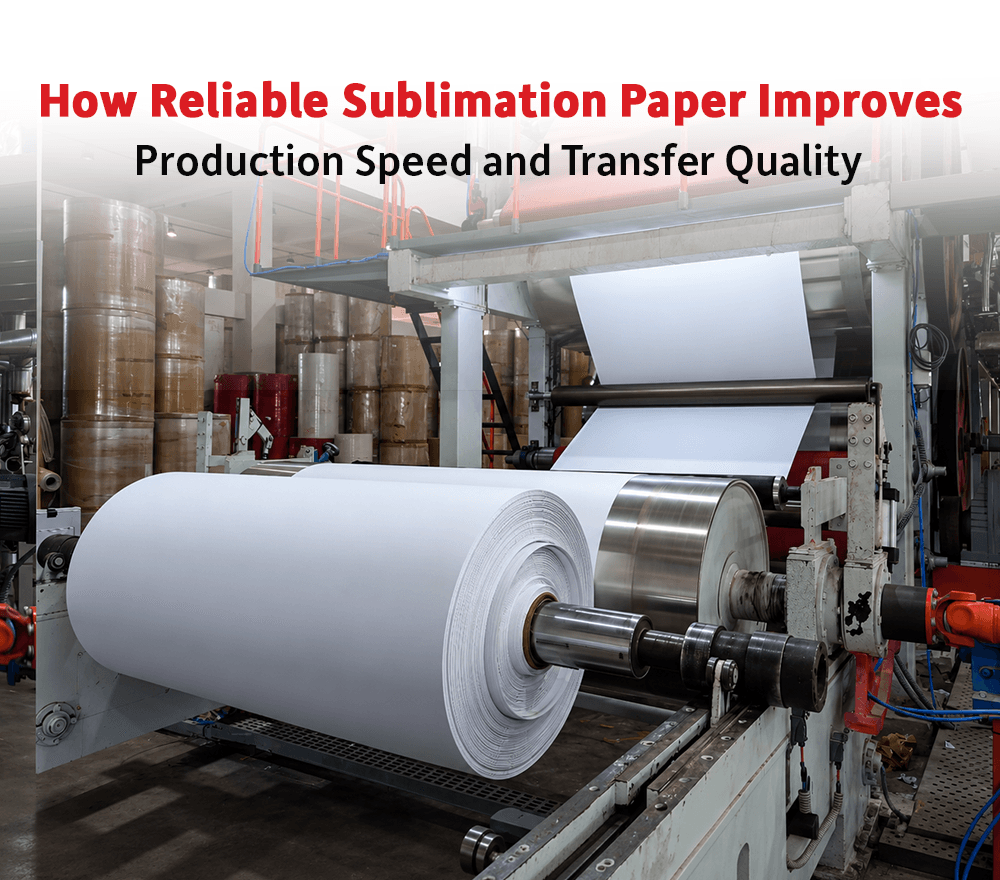
Sublimation Paper Has a Bigger Role Than Many Printers Realize In sublimation printing, the final fabric output depends on a chain of connected factors. The machine, ink, paper, heat press or calendar, fabric, and operator settings all affect the result. Among these, sublimation paper is sometimes treated as a simple consumable. In reality, reliable sublimation paper plays a direct role in production speed, transfer quality, color release, and consistency. If the paper does not perform well, even good ink and a good printer may fail to deliver the expected output. This is why sublimation paper should be selected based on performance, not only price. Transfer Quality Depends on Paper Behavior Sublimation paper carries the printed image before transferring it to polyester fabric. During heat transfer, the paper must release ink efficiently and evenly. If ink release is weak, the final fabric may look dull. If the release is uneven, the print may show shade variation or patchiness. Reliable sublimation paper helps improve transfer consistency by supporting controlled ink release. This helps maintain sharper prints, stronger color output, and more predictable results across production runs. For printers handling repeat orders, this consistency becomes very important. Drying Speed Affects Production Flow In sublimation printing, paper drying behavior can influence production speed. If the paper takes too long to dry, the workflow slows down. If drying is uneven, it may create smudging, transfer defects, or handling issues. Reliable sublimation paper should support smooth printing and practical drying performance based on the production environment and ink load. Printers handling high-volume work need paper that supports their production rhythm without creating unnecessary delays. Paper Stability Reduces Operator Intervention Paper movement, curling, wrinkling, and feeding issues can reduce production efficiency. When sublimation paper behaves inconsistently, operators need to stop, adjust, or correct the process more frequently. This affects output speed and increases the chances of error. Stable paper handling allows the production team to run jobs with more confidence. For manufacturers, fewer interruptions mean better machine utilization and smoother delivery planning. Choosing Paper by Application Is Important Not every sublimation job requires the same paper. A light design, heavy ink design, fashion fabric, sportswear fabric, banner fabric, or home textile product may have different needs. Paper selection should consider GSM, coating, drying requirement, ink load, printer speed, and transfer process. Using the same paper for every job may not always give the best result. Manufacturers should select sublimation paper according to the actual application and production method. Conclusion Reliable sublimation paper improves production speed, transfer quality, color release, drying behavior, and print consistency. It helps printers reduce defects, avoid delays, and achieve more stable output in sublimation printing. True Colors Sublimation Paper is relevant for printers who need dependable paper performance across practical production requirements. Supported by the broader True Colors ecosystem of digital printing machines, Inkia by True Colors inks, fabrics, and technical support, the paper becomes part of a complete sublimation workflow. For businesses that depend on consistent polyester printing, True Colors helps connect paper choice with real production performance.
Choosing the Right Printing Route for Polyester, Cotton and Blended Fabrics
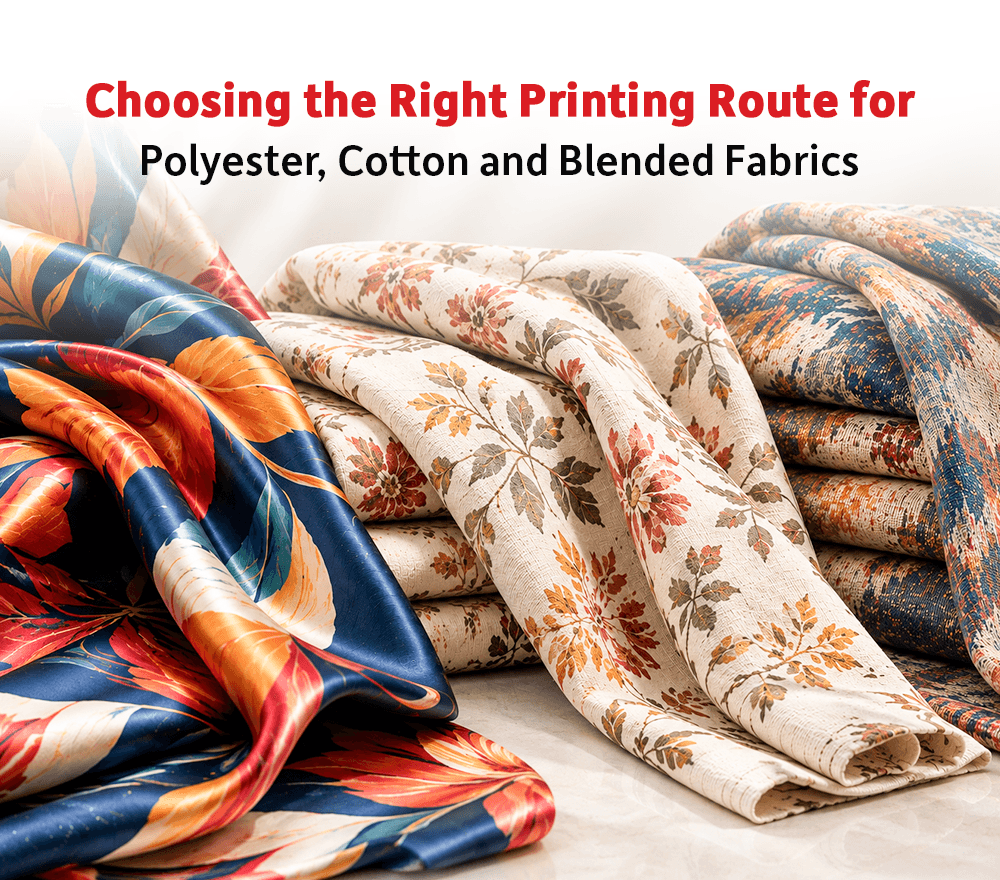
Every Fabric Needs a Different Printing Understanding In textile production, fabric selection is one of the first decisions that affects final print quality. A design may look strong digitally, but its final appearance depends heavily on the fabric on which it is printed. Digital printing for different fabrics requires a clear understanding of how polyester, cotton, blends, viscose, and other materials react during printing and finishing. No single printing route works equally well for every fabric. The right method depends on fiber type, surface texture, ink compatibility, production process, and final product use. Manufacturers who understand fabric behavior can avoid many quality issues before bulk production begins. Polyester Printing Often Works Well with Sublimation Polyester is widely used in sportswear, fashion, flags, advertising fabrics, home textiles, and soft signage. For many polyester-based applications, sublimation printing is a preferred method because it allows color to transfer into the fabric using heat. Sublimation can deliver bright colors and clean output when the machine, ink, sublimation paper, and transfer process are properly aligned. However, polyester fabric quality still matters. Fabric construction, coating, weight, moisture, and finishing can all influence the result. A good sublimation output depends on much more than just the printer. Cotton Requires a Different Approach Cotton behaves differently from polyester. Since it is a natural fiber, it usually needs a different ink system and processing route. Pigment or reactive printing may be used depending on the required output, hand feel, color depth, durability, and production workflow. Cotton printing often requires careful fabric preparation and finishing. If the process is not controlled, the fabric may show dull color, poor sharpness, uneven absorption, or weak performance. For cotton-based products, manufacturers should test fabric, ink, and finishing together before moving into bulk production. Blended Fabrics Need Extra Care Blended fabrics can be more complicated because they contain more than one fiber type. A fabric that includes polyester and cotton, for example, may not respond fully like pure polyester or pure cotton. The printing method must be selected based on the blend composition and final application. Manufacturers should not assume that a process suitable for one blend will automatically work on another. Testing is important because color output, hand feel, fastness, and finishing behavior can change from fabric to fabric. Blended fabrics require a more practical and production-focused approach. Final Application Should Guide the Decision The right printing route depends not only on fabric type but also on how the fabric will be used. A fabric for sportswear may need stretch comfort, color durability, and sweat resistance. A curtain fabric may need visual impact and light stability. A fashion scarf may require softness and detail. A promotional banner may need sharp color and easy handling. Printing decisions should therefore begin with the final product requirement. When manufacturers match fabric, ink, process, and application correctly, the final output becomes more reliable. Conclusion Digital printing for different fabrics requires more than choosing a machine setting. Polyester, cotton, blended fabrics, and specialty materials each need the right printing route, ink system, and process control. True Colors can help manufacturers make these decisions with a wider production understanding. Through digital textile printing machines, Inkia by True Colors inks, True Colors Sublimation Paper, fabrics, and technical guidance, True Colors supports businesses in matching fabric requirements with practical printing solutions. For manufacturers working across multiple fabric categories, True Colors offers the advantage of looking at fabric printing as a complete process rather than a one-method solution.
Why Surat is Becoming the Hub of Digital Textile Printing in India
Surat has long been known as one of India’s largest textile centers. Over the years, it has built a strong reputation in fabric production, processing, and trading. Today, the city is witnessing a major shift as digital textile printing continues to grow rapidly. Surat digital textile printing is gaining momentum because of changing market demands and the need for faster, more flexible production methods. Unlike traditional printing, digital technology allows direct printing on fabric using advanced inkjet systems, eliminating long setup processes and reducing dependency on screens and plates. Strong Textile Ecosystem One of the biggest reasons behind Surat’s growth is its well-established textile ecosystem. The city already has: This infrastructure allows businesses to adopt digital printing without major disruption. Instead of building new systems, they can upgrade existing operations with modern printing technology. High Demand for Fast and Flexible Production The textile market is evolving quickly, especially in fashion and export segments. Brands now demand quick sampling, rapid production, and frequent design updates. Surat digital textile printing supports this shift by enabling: This flexibility helps manufacturers respond faster to changing trends and buyer requirements. Advanced Printing Process and Better Output Control Digital textile printing uses precise inkjet technology, where designs are printed directly onto fabric with controlled ink deposition. This improves accuracy and reduces human error in the process. As a result, businesses achieve: This level of precision is difficult to achieve with traditional methods, especially at scale. Reduced Wastage and Efficient Production Another major advantage of digital printing is reduced wastage. Traditional printing involves trial runs, screen preparation, and excess material usage. In contrast, digital systems operate with a more controlled workflow, which leads to: This improves both cost efficiency and production speed. Skilled Workforce and Industry Experience Surat has a highly experienced workforce that understands textile processes in depth. This makes the transition to digital printing smoother. Operators can quickly adapt to new machines and technologies, which helps businesses maintain productivity while upgrading their systems. Cost Advantage and Scalability Compared to other textile hubs, Surat offers a cost-effective environment for manufacturing. Lower operational costs and easy access to raw materials make it an ideal location for expansion. With Surat digital textile printing, businesses can scale production without heavy investment in additional infrastructure. Future Growth Potential As technology continues to evolve, digital textile printing will play a major role in shaping the future of the textile industry. Surat is already leading this transformation by rapidly adopting modern solutions. The shift is not just about speed — it is about building a more flexible, efficient, and responsive production system. Conclusion Surat’s strong infrastructure, skilled workforce, and growing adoption of advanced printing technology are driving its rise as a digital textile printing hub. As more businesses move towards digital systems, Surat digital textile printing is set to become a key driver of textile innovation and large-scale production in India.
Why Printhead Protection Should Be a Priority in Digital Textile Printing
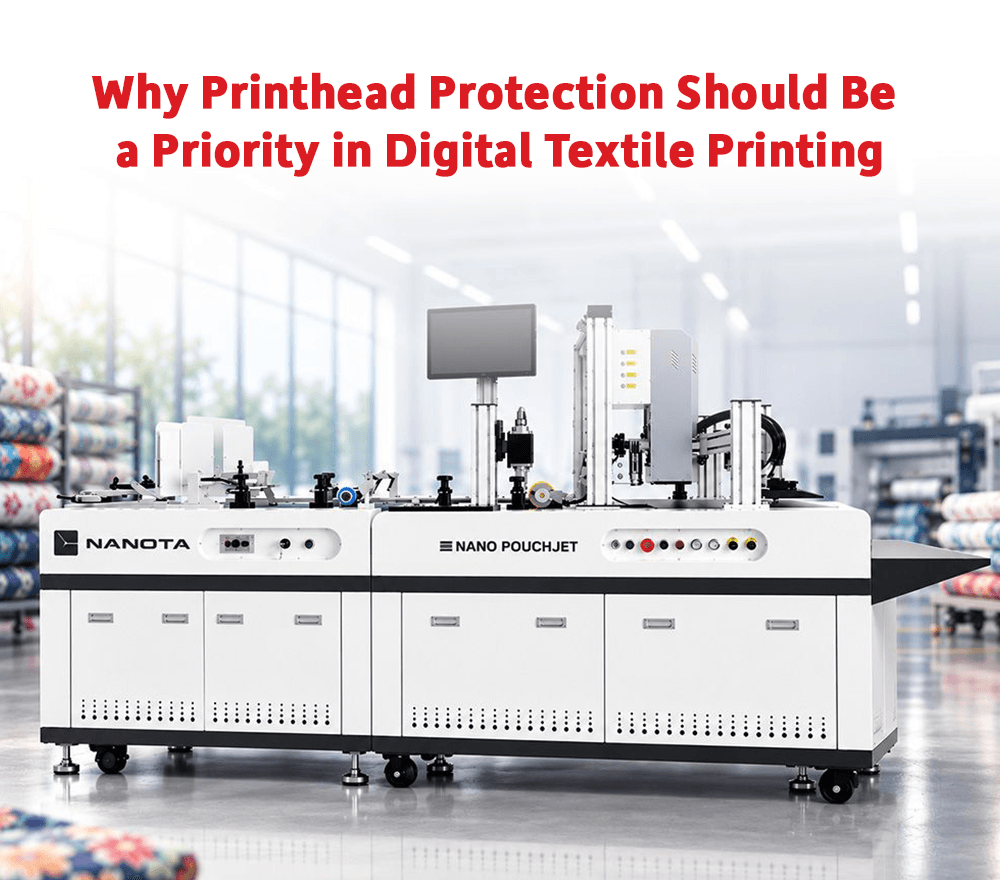
Printheads Are at the Center of Digital Printing Performance In a digital textile printing machine, the printhead plays one of the most important roles. It controls how ink is placed on the fabric or transfer medium and directly affects print sharpness, color consistency, line accuracy, and overall output quality. Printhead protection in digital textile printing should therefore be a major priority for every manufacturer. Many businesses focus on machine speed, print width, and production capacity, but printhead health decides how reliably the machine performs over time. If printheads are not maintained properly, the production team may face nozzle issues, missing lines, shade variation, rework, and downtime. Protecting the printhead means protecting the complete production flow. Ink Quality Has a Direct Impact on Printheads Printheads work with extremely fine ink movement. The ink must flow smoothly, remain stable, and perform consistently during printing. If the ink is unstable or poorly suited to the machine, it can increase the risk of clogging, uneven firing, or frequent cleaning cycles. These issues affect both print quality and machine availability. This is why ink selection should never be treated only as a cost decision. It should be evaluated based on printhead compatibility, stability, filtration, viscosity behavior, and long-run production performance. A good ink system helps reduce stress on printheads and supports smoother daily printing. Maintenance Habits Decide Long-Term Reliability Printhead protection depends heavily on daily production discipline. Regular cleaning, correct shutdown procedures, nozzle checks, proper ink handling, and controlled operating conditions all help maintain printhead performance. Many printhead problems develop gradually. A small nozzle issue that is ignored during early production can later become a larger quality problem. Operators should be trained to identify warning signs and respond before the issue affects bulk output. Maintenance should not be done only when print quality drops. It should be part of the daily printing routine. A disciplined production team can extend machine reliability and reduce avoidable interruptions. Environment Also Affects Printhead Health Factory conditions can influence printhead performance. Temperature, humidity, dust, and air movement can affect ink drying and nozzle behavior. In dry conditions, ink may dry faster near the nozzle surface. In humid or dusty environments, other issues may appear during printing and storage. A stable production environment helps reduce unnecessary variation and supports smoother ink flow. Manufacturers should therefore think beyond machine maintenance and also manage the surroundings in which the machine operates. Downtime Due to Printhead Issues Can Be Expensive When printhead problems occur, the impact is not limited to repair cost. Production may stop, delivery timelines may be affected, operators may lose time, and printed fabric may be rejected. For manufacturers handling bulk orders or export production, even a few hours of downtime can create serious pressure. This is why printhead protection is a business priority, not only a technical responsibility. A strong preventive approach helps manufacturers reduce breakdown risk and maintain better production confidence. Conclusion Printhead protection in digital textile printing is essential for machine uptime, print quality, ink flow, and long-term production reliability. Good ink selection, regular maintenance, operator discipline, and controlled factory conditions all contribute to better printhead performance. True Colors supports this need by looking at printhead performance as part of the complete printing ecosystem. With digital textile printing machines, Inkia by True Colors inks, service guidance, and production support, True Colors helps manufacturers understand the connection between ink behavior, machine care, and daily output quality. For businesses that depend on continuous production, True Colors can help make printhead protection a more structured part of the printing process.
How Digital Textile Printing Helps Brands Prepare Festival Collections Faster
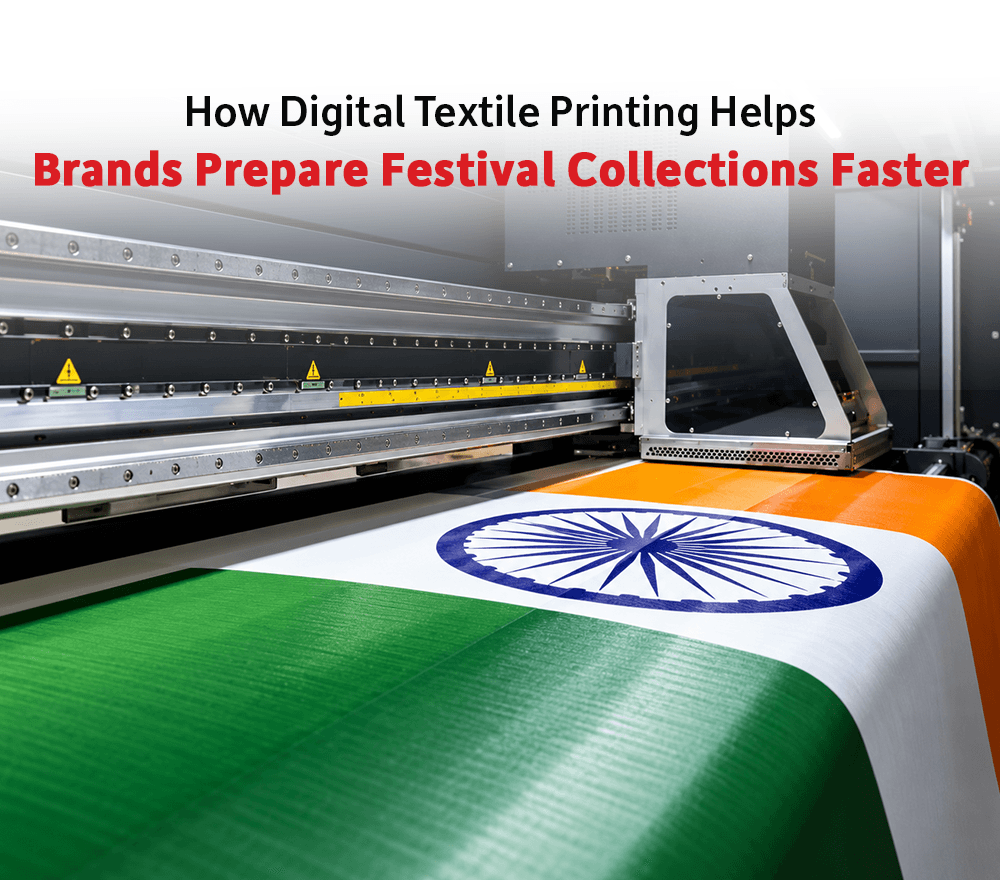
Festival Collections Need Speed and Variety Festival seasons are important for fashion, ethnic wear, home textiles, gifting, and lifestyle brands. During this period, customers look for fresh colors, new patterns, festive themes, and exclusive product ranges. For brands, this creates strong demand but also increases pressure on design and production timelines. Digital textile printing for festival collections helps brands and manufacturers respond faster to these seasonal requirements. Instead of depending on long setup processes for every new design, digital printing allows businesses to create multiple print options, test them quickly, and move approved designs into production with more flexibility. This is useful because festival collections are often trend-driven. A design that feels relevant today may lose its freshness if production takes too long. Digital printing helps reduce this delay and gives brands more freedom to launch timely collections. Faster Sampling Helps Brands Finalize Designs Earlier Sampling is one of the most important stages in festive collection planning. Brands usually want to test different motifs, colors, fabric bases, and product categories before finalizing the range. Digital textile printing makes sampling faster because artwork can be prepared digitally and printed without creating screens for every design. This helps brands compare multiple ideas and make decisions with greater confidence. For manufacturers, faster sampling also improves buyer communication. When samples are ready on time, production approvals move faster and last-minute pressure reduces. In festival season, where every week matters, faster sampling can directly improve business opportunities. Limited Runs Reduce Inventory Pressure Festival demand can be unpredictable. Some designs may sell quickly, while others may not perform as expected. Producing very large quantities in advance can create inventory risk for brands. Digital printing supports smaller production runs, which helps brands test demand before scaling. This is especially helpful for limited edition festive prints, region-specific collections, designer drops, and online-first launches. By producing closer to actual demand, brands can reduce overstock and respond better to customer preferences. This makes digital textile printing a practical solution for festive business planning. Color Consistency Is Important for Festive Products Festival collections often depend on strong color appeal. Bright tones, detailed motifs, metallic-inspired patterns, and rich festive shades need careful production control. Digital printing can support detailed artwork and vibrant output, but the final quality depends on fabric selection, ink stability, print settings, and finishing process. If the color changes between sample and bulk production, the collection may lose its intended look. This is why manufacturers must maintain proper color management and production discipline. A festive collection should not only look attractive in sampling. It should remain consistent during actual production. Fabric Choice Shapes the Final Collection Different festive products require different fabrics. Ethnic wear, scarves, home décor, cushion covers, drapes, and gifting fabrics may all need different printing approaches. The fabric selected for the collection influences color output, feel, durability, and final product appeal. Polyester-based fabrics may work well with sublimation printing, while cotton and other natural fabrics may require different ink systems and processes. Brands and manufacturers should choose the printing method based on final application, not only design preference. When fabric, ink, and process are aligned, the collection becomes more production-ready. Conclusion Digital textile printing for festival collections helps brands work faster, test more designs, reduce inventory risk, and launch seasonal products with better flexibility. It supports both creative freedom and practical production planning. True Colors can support festive collection development by bringing together digital textile printing machines, Inkia by True Colors inks, True Colors Sublimation Paper, fabrics, and technical guidance. For brands and manufacturers working on seasonal collections, this complete ecosystem helps connect design ideas with production reality. With True Colors, festive textile production can move from concept to sample to final fabric with better coordination, helping businesses stay ready for high-demand seasons.
The Complete Guide to DTF Printing for Textile Businesses
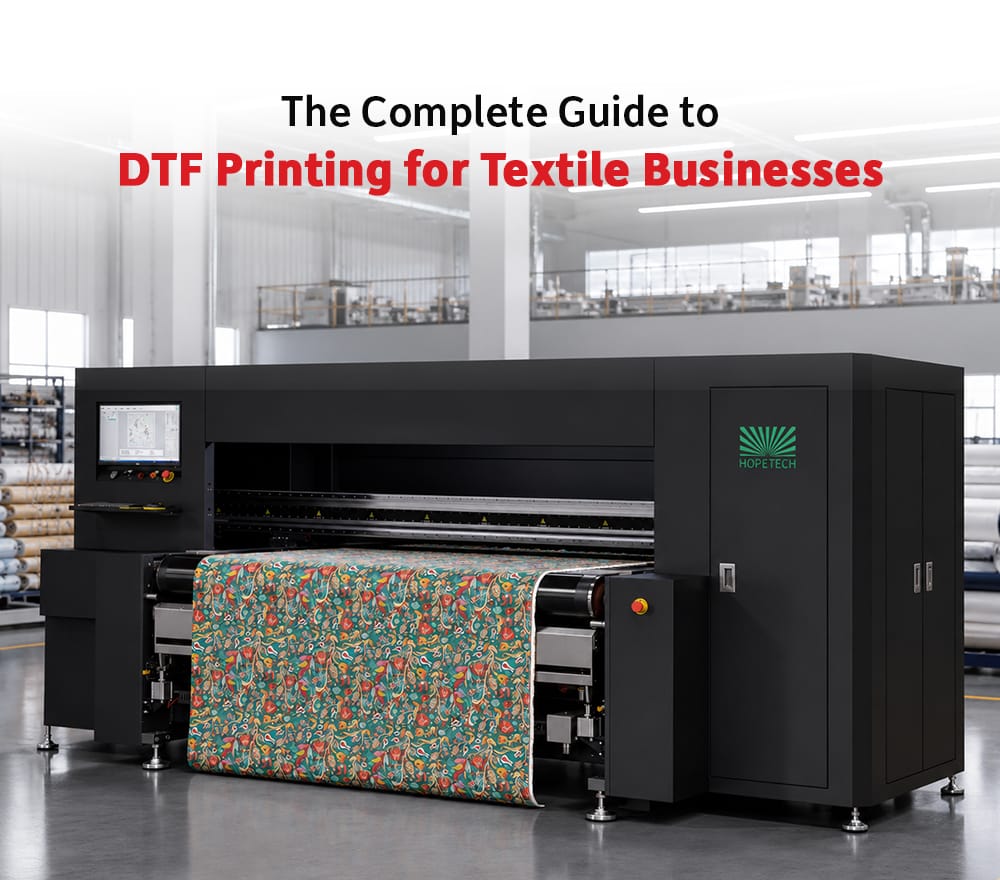
DTF Printing Is Creating New Opportunities in Textile Production Textile businesses are constantly looking for printing methods that can support faster production, custom designs, smaller quantities, and more product variety. This is where DTF printing for textile business owners has become an important topic. DTF, or Direct to Film printing, is used for transferring printed designs onto garments and textile products. It allows businesses to print designs on a film and then transfer them to fabric using heat and adhesive powder. This method is especially useful for custom apparel, merchandise, fashion drops, uniforms, promotional clothing, and small batch garment production. For textile businesses that want to expand beyond fabric printing into garment decoration, DTF printing can offer a practical and flexible production route. Why Textile Businesses Are Exploring DTF Printing One of the biggest reasons businesses explore DTF printing is flexibility. It can support customized designs, short runs, and repeat orders without requiring large setup changes. Fashion brands, uniform suppliers, merchandise companies, e-commerce sellers, and boutique garment businesses often need quick turnaround for printed apparel. DTF printing helps serve these needs because artwork can be changed digitally and transferred to different garment styles. This makes it suitable for businesses that want to offer personalization, limited collections, or on-demand garment printing. DTF Printing Supports Custom Apparel Custom apparel has become a strong opportunity in the textile market. Customers now look for personalized t-shirts, hoodies, uniforms, event merchandise, teamwear, and brand merchandise. DTF printing allows textile businesses to produce such items with design flexibility. It can support detailed artwork, vibrant prints, and smaller quantities, which makes it useful for both retail and B2B applications. For businesses entering custom garment printing, DTF technology can help reduce dependency on large minimum order quantities and allow more design experimentation. Production Quality Still Depends on Process Control Although DTF printing is flexible, final quality depends on the complete process. The film quality, ink performance, powder application, curing, heat press settings, fabric type, and operator handling all influence the final print. If any part of the process is not controlled properly, the business may face issues like weak adhesion, poor wash performance, cracking, rough feel, or inconsistent color. This is why textile businesses should not look at DTF printing only as a machine purchase. It should be understood as a complete production workflow. DTF Can Help Businesses Diversify For textile printers, DTF printing can become an additional business vertical. A company already working in fabric printing can use DTF to enter garment printing, promotional merchandise, personalized apparel, and short-run fashion production. This diversification can help businesses serve new customers and reduce dependency on one type of printing work. As demand for customized products grows, DTF printing can give textile businesses more ways to stay relevant in the market. Conclusion DTF printing for textile business growth is useful because it supports custom apparel, flexible production, small batches, and fast design changes. It gives textile businesses a practical way to enter garment decoration and personalized product categories. True Colors supports textile businesses that want to grow with modern digital printing technologies. With its experience in digital printing machines, inks, fabrics, sublimation paper, and service support, True Colors helps businesses understand printing as a complete ecosystem rather than a machine-only decision. For companies exploring DTF printing, True Colors can help connect technology selection with production practicality, making it easier to build a reliable and scalable garment printing workflow.
How Fabric Pre-Processing and Post-Processing Improve Digital Print Results
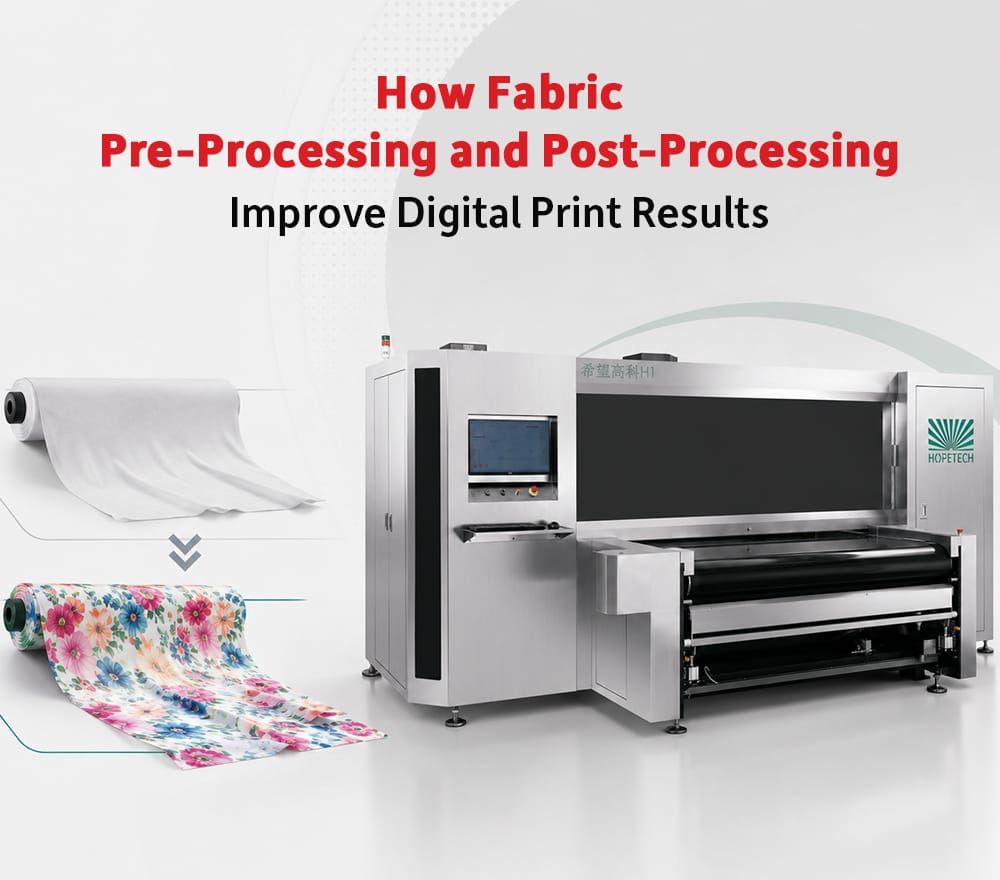
Digital Printing Quality Starts Before Printing In textile printing, many people judge quality only by looking at the final printed fabric. However, the actual result depends on several steps before and after printing. Fabric processing for digital printing plays an important role in print clarity, color strength, fabric feel, wash performance, and production consistency. A good digital printing machine and good ink may not deliver the expected output if the fabric is not prepared correctly. Similarly, a well-printed fabric may lose quality if post-processing is not managed properly. This is why fabric pre-processing and post-processing should be seen as part of the complete digital printing workflow. Why Pre-Processing Matters Pre-processing prepares the fabric for printing. It helps improve how the fabric receives ink and how the final print appears after production. Depending on the fabric and printing method, pre-processing may include cleaning, coating, pre-treatment, moisture control, or surface preparation. The purpose is to create a more suitable surface for printing. If pre-processing is weak, the final fabric may show dull colors, uneven absorption, blurred print, stains, or poor sharpness. For manufacturers handling bulk printing, pre-processing consistency is very important. Even small changes in fabric preparation can create visible differences in final output. Fabric Behavior Changes with Every Material Every fabric responds differently during digital printing. Cotton, polyester, viscose, silk, blends, and other materials have different absorption, surface texture, shrinkage behavior, and finishing needs. This means fabric processing cannot be the same for every material. A process suitable for polyester sublimation may not apply to cotton pigment or reactive printing. Similarly, delicate fabrics may need different handling compared to heavier furnishing fabrics. Manufacturers must understand the relationship between fabric type, ink type, machine settings, and finishing process. Post-Processing Protects Final Quality After printing, the fabric may require post-processing based on the printing method. This can include drying, steaming, washing, curing, heat transfer, finishing, or inspection. Post-processing helps fix the print, improve fabric feel, remove excess chemicals, and prepare the fabric for final use. If post-processing is not controlled, the printed fabric may face shade changes, weak wash performance, poor hand feel, or finishing defects. For export-quality fabric printing, post-processing becomes even more important because buyers often check not only print appearance but also performance. Process Control Reduces Rejection Fabric processing should be standardized as much as possible. When manufacturers control preparation, printing, and finishing, they reduce the chances of variation. This helps improve repeatability during bulk orders and reduces wastage. A strong digital printing unit should not treat processing as a separate department with no connection to printing. All stages must work together. The best results come when the fabric is prepared, printed, and finished with one clear production understanding. Conclusion Fabric processing for digital printing is essential for better print quality, stronger consistency, improved fabric feel, and reliable performance. Pre-processing prepares the fabric for accurate printing, while post-processing protects the final output. True Colors brings value in this area because the brand understands digital textile printing beyond only machine supply. With machines, Inkia by True Colors inks, True Colors Sublimation Paper, fabrics, and technical support, True Colors can help manufacturers look at the complete journey of fabric from preparation to final printed result. For textile businesses that want to improve output quality, True Colors provides an ecosystem where fabric behavior, ink performance, machine setup, and process guidance can come together more effectively.